
All services
52 services in 9 categories · all live now
What a home security system costs in 2026, how equipment, installation and monitoring add up, and which cameras are worth installing yourself.
A home security system costs $199 to $900 for equipment and installation, plus $25 to $50 per month for professional monitoring. Installed cameras run $125 to $450 each, and a 4-camera system costs $500 to $1,600.
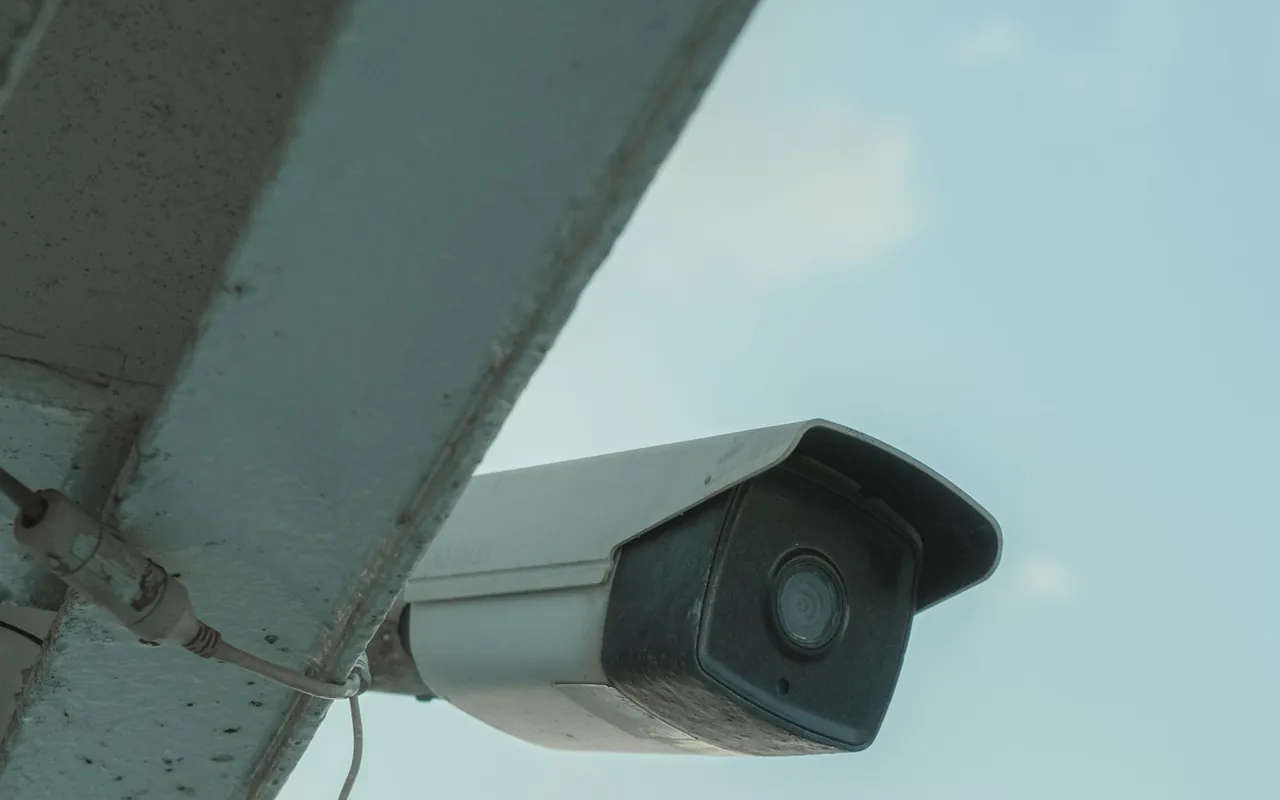
A home security system costs $199 to $900 for equipment and professional installation, and monitoring adds $25 to $50 per month. HomeGuide puts equipment kits at $199 to $599, installation at $0 to $299 depending on the company, and cameras at $30 to $270 each before labor.
Most homeowners pay for a mix of sensors, cameras and monitoring. A 4-camera system installs for $500 to $1,600, per HomeGuide, and a wired 4-camera setup runs $600 to $2,000. DIY systems cut the upfront cost but shift the work and the support to you.
Installed price at the national monitoring range of $25 to $50 per month. One month covers a trial, while 12 to 36 months reflect typical contract terms; equipment and installation are separate.
Calculated from our monthly monitoring range and compared with HomeGuide and HomeAdvisor in Oct 2026. A 12-month plan at the typical rate costs about $444, and a 36-month contract about $1,332, before equipment.
National ranges, installed. Your city can run 10 to 20 percent either way, so check the local pages before you compare quotes.
HomeGuide home security and security camera cost guides plus HomeAdvisor alarm system data, compared Oct 2026.
Six things move a security quote more than anything else. Ask every company to put each one in writing, so the packages you compare cover the same equipment.
Basic kits run $199 to $599 and cover a base station, door and window sensors and a motion sensor. Complete standard systems average about $700, per HomeAdvisor, and extra sensors and keypads add to the kit price.
Indoor cameras cost $30 to $180, outdoor cameras $100 to $250, and floodlight cameras $130 to $270, per HomeGuide. Installation labor adds $80 to $200 per camera, so a 4-camera system runs $500 to $1,600.
Professional installation runs $0 to $299, per HomeGuide, and some companies waive it with a monitoring plan. DIY saves the fee, but you handle mounting, pairing and testing, and support may be limited.
Monitoring runs $25 to $50 per month on average, with DIY brands at $4 to $22, per HomeGuide. Cellular monitoring costs more than landline, and longer contracts usually lower the monthly rate.
Wireless systems are easy to install and need no wall work, while wired systems are harder to jam but require cable runs and a professional. HomeAdvisor puts wireless system costs at $200 to $2,000 depending on cameras.
Some cities require an alarm permit, typically $25 to $100, per HomeAdvisor. Activation fees run $79 to $99 and are often waived with a plan, and smart-home add-ons like video doorbells push the equipment total up.
Equipment is the bigger line on most security jobs. Installation and monitoring are where the recurring cost sits, which is why a free system can still be the most expensive option over a contract.
HomeGuide home security and security camera cost guides plus HomeAdvisor alarm system data, Oct 2026.
A wireless DIY system is a fair weekend project. Sensors mount with screws or adhesive, the hub connects to Wi-Fi, and the app walks you through pairing. You save the $0 to $299 install fee but handle every mount, battery and test yourself.
Wired cameras, outdoor runs and anything that needs a new electrical circuit belong to a pro. A camera that falls or loses power defeats the point, and alarm permits and monitoring contracts still apply even on a DIY system.
Typical prices by equipment type. The kit covers the basics, and cameras and monitoring decide how much you see and who responds.

HomeGuide home security system cost guide, equipment table, compared Oct 2026.
All three improve security, but they cover different ground. Pick based on whether you want monitoring, cameras or both, and how much setup you will do.
A DIY system is the cheapest way to cover doors and windows, a professionally installed system adds monitoring and support, and cameras only make sense when you need eyes on one area. Compare equipment, installation and monthly cost together, then run the total through our quote checker.
Placement and testing decide whether the system works when it matters. If an installer skips a test, ask for one before signing off.
Check doors, windows, the garage and the yard, then decide where sensors, cameras and the keypad go. More entry points mean more sensors and a larger kit.
Wireless is quicker to install and easier to move, while wired is harder to jam but needs cable runs. The choice affects both the equipment and the labor.
Some cities require an alarm permit, typically $25 to $100. File it before the system goes live so a false alarm does not bring a fine.
Contacts go on doors and windows, motion sensors in hallways, and cameras at entries with a view of the approach. Height and angle decide whether footage is useful.
The keypad or hub is programmed with codes and zones, and the app is paired with the account. Test every sensor and camera before the installer leaves.
The monitoring company verifies the signal, confirms your call list and explains the response process. Ask how the system reports a power or internet outage.
Run a full test, label zones and keep the account numbers and warranty in one place. Ask for the installer code and how to add sensors later.
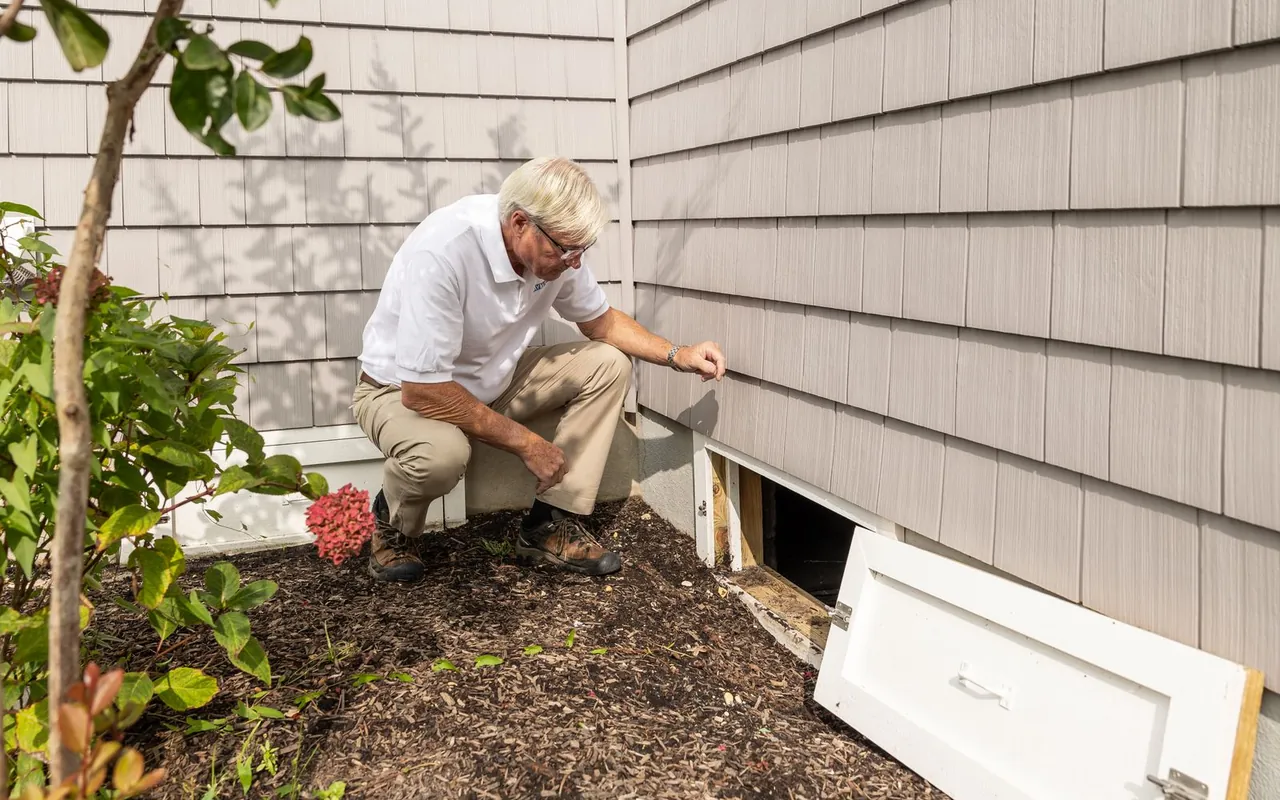
Detailed cost guides for each job are being written; the tools above price every one of them today.
Checked against the official source on Oct 28, 2026. General information, not legal advice. Home Security work is regulated by permit, and by state license for some trades.
A home security system costs $199 to $900 for equipment and installation, plus $25 to $50 per month for professional monitoring. HomeGuide puts equipment kits at $199 to $599 and installation at $0 to $299, and HomeAdvisor puts alarm installation at $300 to $1,236.
Monitoring runs $25 to $50 per month on average, per HomeGuide, while DIY brands such as Ring and Wyze charge $4 to $22. Cellular monitoring costs more than landline, and longer contracts usually bring the monthly rate down.
Installed cameras run $125 to $450 each on our live table. HomeGuide puts camera hardware at $30 to $270 each plus $80 to $200 per camera in labor, and a 4-camera system installs for $500 to $1,600.
Professional installation runs $0 to $299 and includes mounting, pairing and testing, which matters for wired cameras and whole-home coverage. DIY saves the fee but puts the setup and support on you. Choose based on the system type and your comfort with wiring.
Some cities require an alarm permit, typically $25 to $100, per HomeAdvisor. The permit is separate from the electrical permit a wired system may need. Ask the alarm company whether it files the permit for you.
Battery backup keeps most systems running for hours, and cellular monitoring keeps reporting when the internet drops. Ask how the system reports an outage and whether cellular backup is included or an add-on. Landline systems fail when the phone line does.
Yes, wireless DIY kits are designed for it. Sensors mount with screws or adhesive, the hub connects to Wi-Fi and the app handles pairing. Skip DIY for wired cameras, outdoor runs and anything that needs a new circuit.
Contracts often run 12 to 36 months, and the monthly price usually drops with a longer term. Read the cancellation terms and the equipment return policy before signing. Month-to-month plans cost more but keep you free to switch.
Many insurers offer a discount for a monitored alarm, though the amount varies by company and state. Ask your insurer what documentation it needs, such as a monitoring certificate. The discount rarely covers the whole system cost.